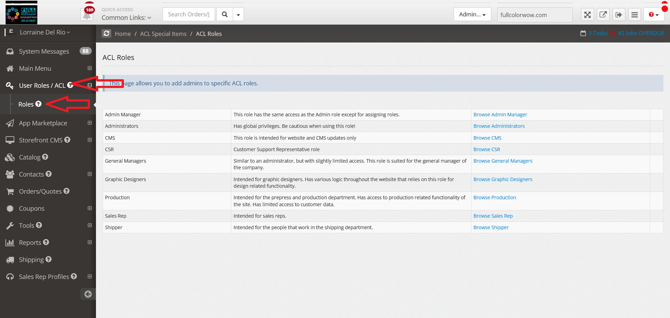
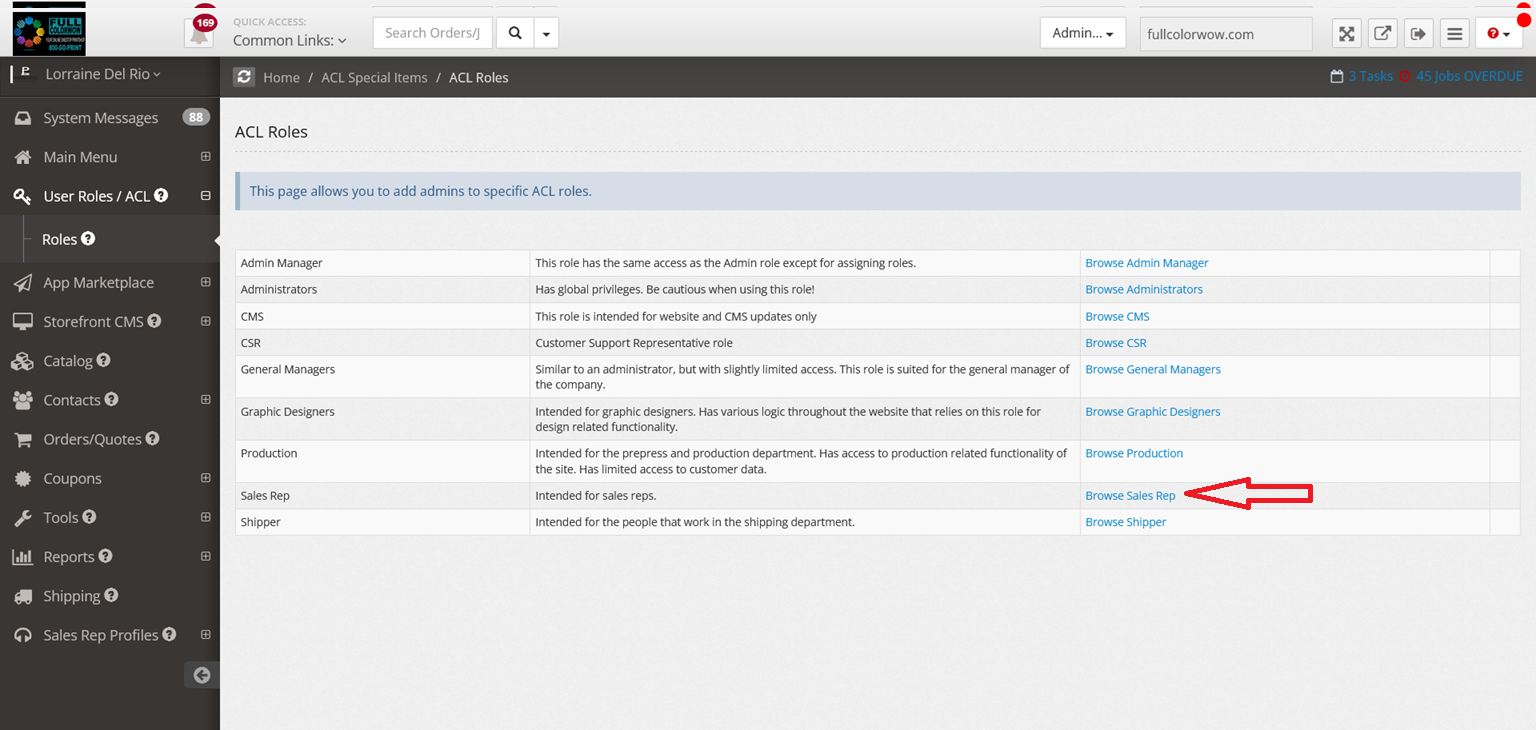
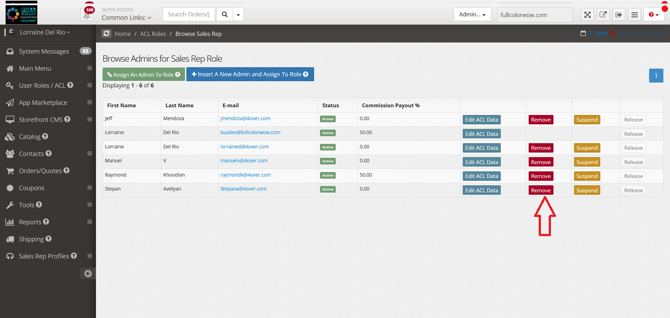
How do I delete a staff member? Step-by-step guide \ Log in to your administration panel admin.yourwebsiteaddress.com Click "User Roles/ACL" on the left-hand navigation > Click "Roles" Click on the selected role category for the staff members role you want to deleted Click Remove