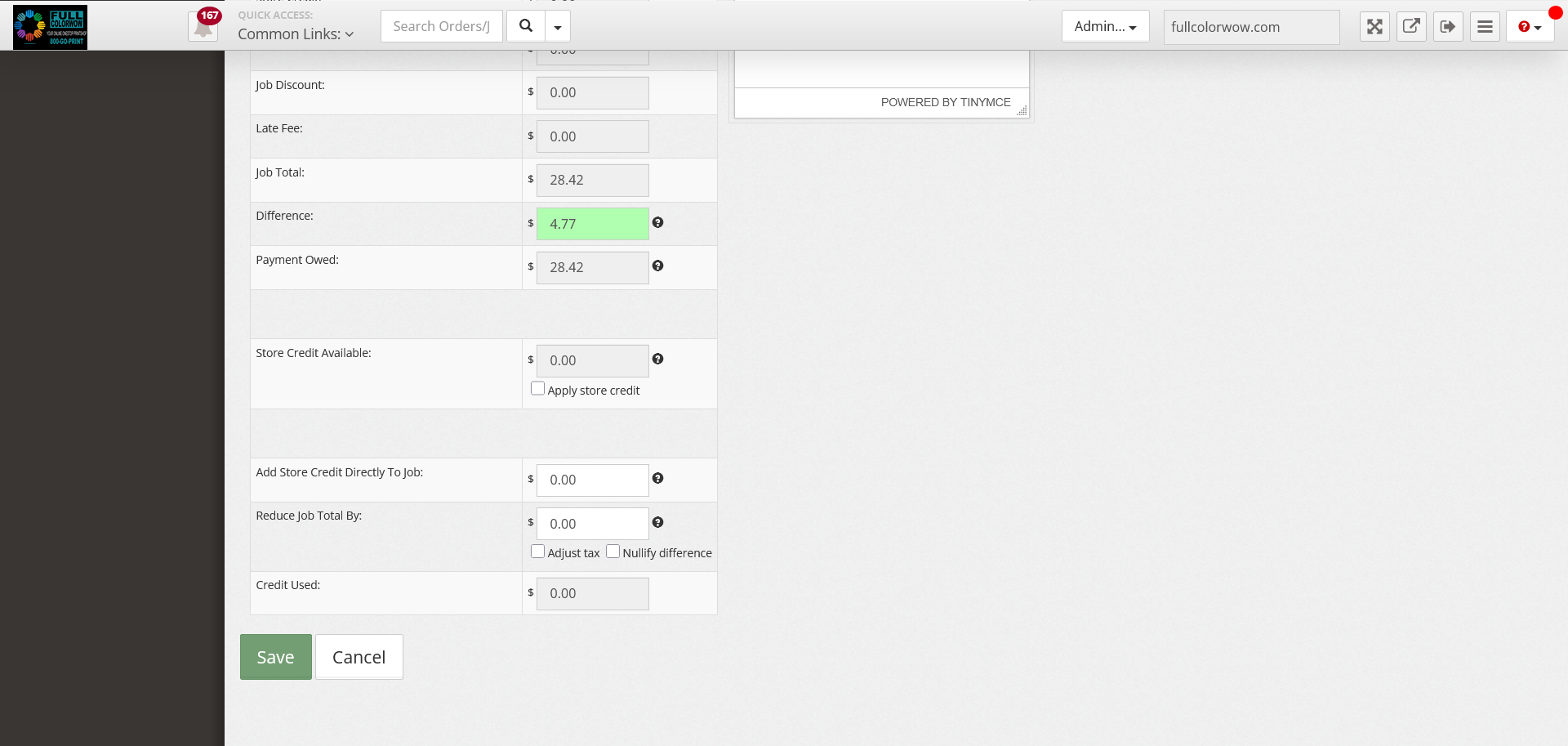
To make changes to an order:
Go to the order page> Edit Job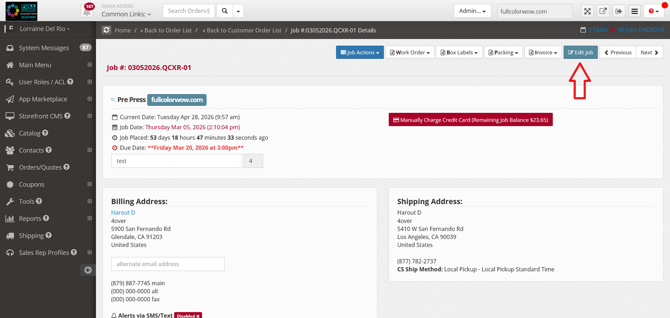
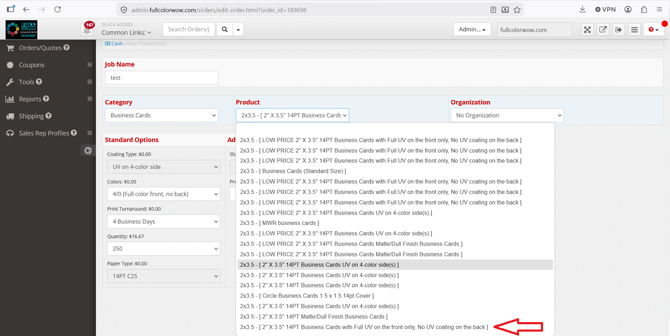
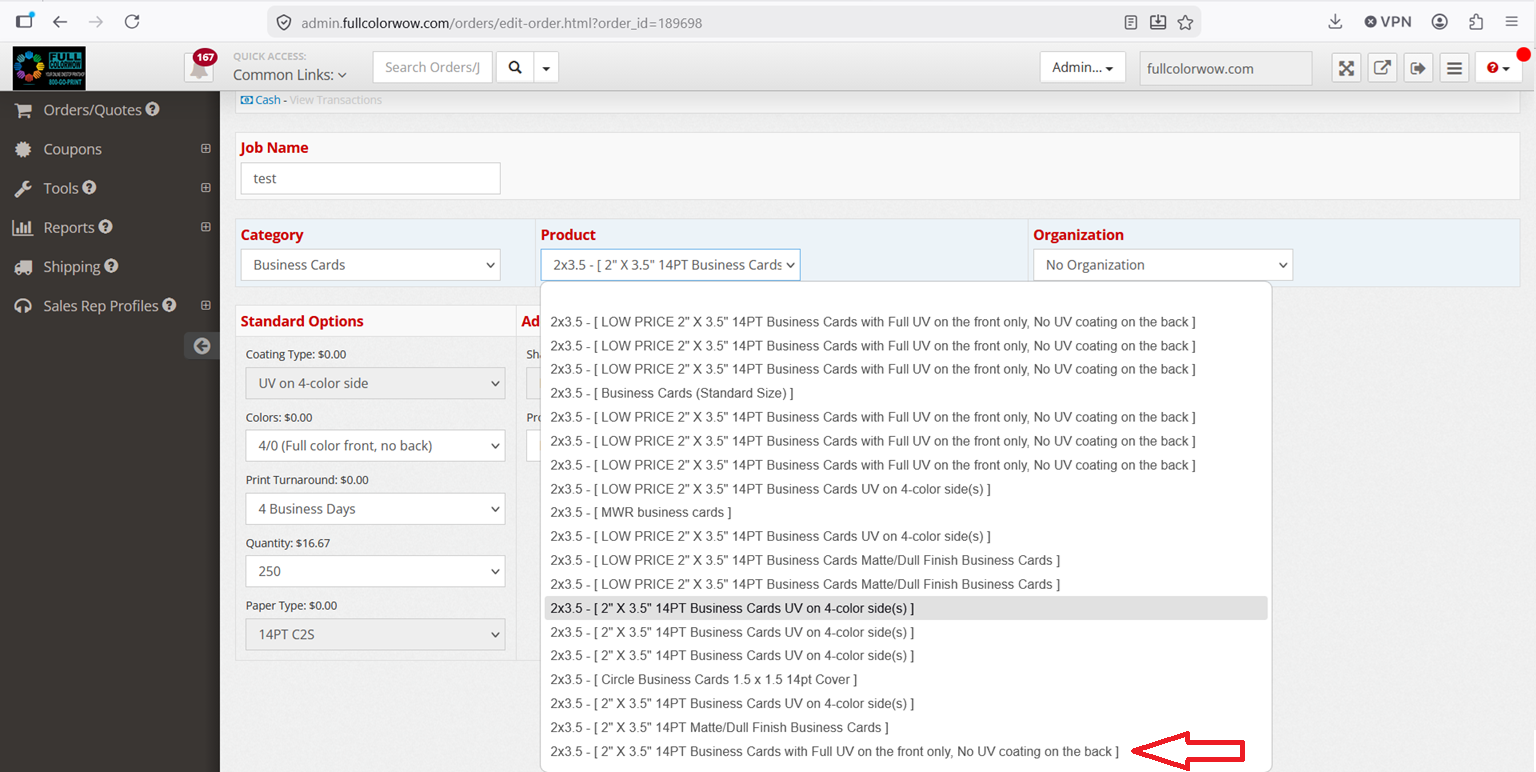
When on this page, you will be able to select different options. Please note that certain options maybe grayed out. This would mean that you would have to select the correct product for that option to be available. In this case the customer selected: 2" X 3.5" 14PT Business Cards UV on 4-color side(s) and would like to change it to UV Front only.
Under the product section, click the drop down menu and select the correct option.
Once selected, you can make pricing adjustments or add discount to the order. Click save when the changes have been made.