
After you have applied your markup using the mass adjust tool, you will go to:
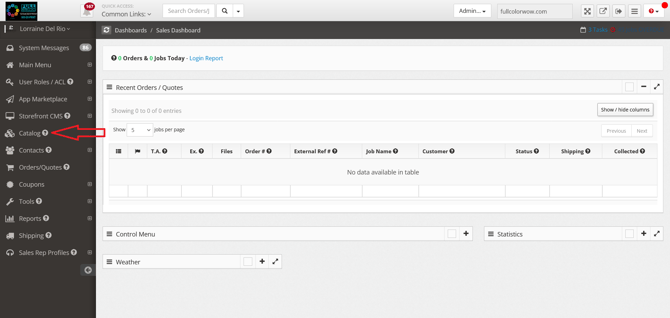
- Catalog
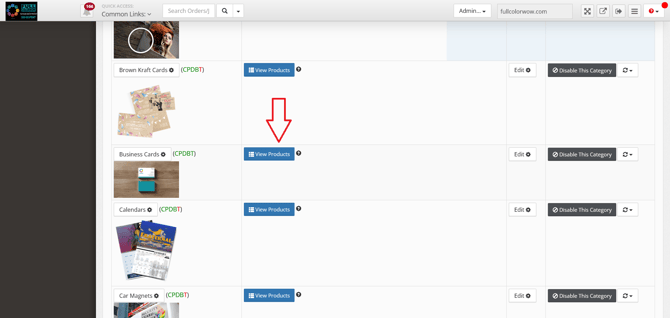
- Click View Products on the category you have applied the markup to (in this example we have selected business cards)
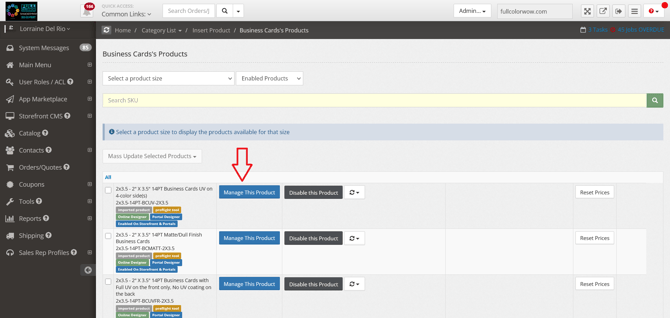
- Click Manage This Product
- Review the new pricing that is now displaying
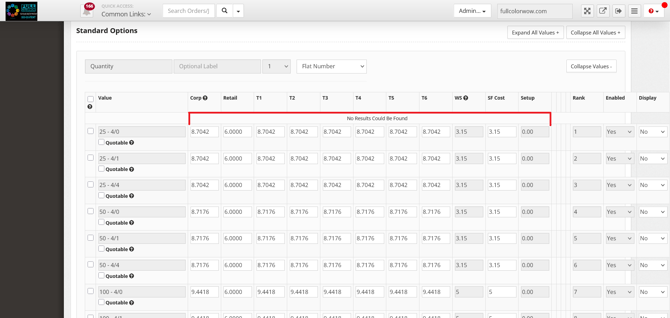
Note: Depending on the number of categories you have selected the time may vary on how quickly the information will propagate in the admin panel.
Formula to check up your markup:
WS Cost + Markup% = New Price
Ex: $100+50%=$150