How Do I Completely Remove the Default Slider/Banner From My Website?
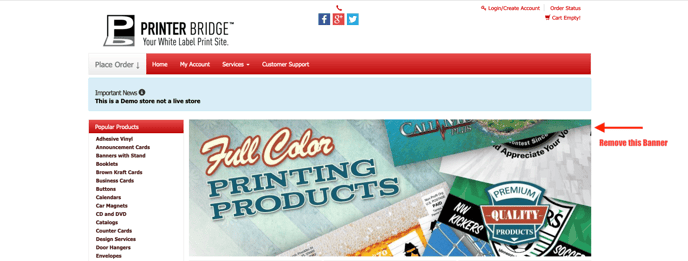
The default banner will be replaced with your custom Sliders/Banners if you create and upload them. This resource will show you how to remove the default Slider if you do not wish to have any Sliders/Banners on your website.
This will require you to insert custom CSS code into your Theme Settings.
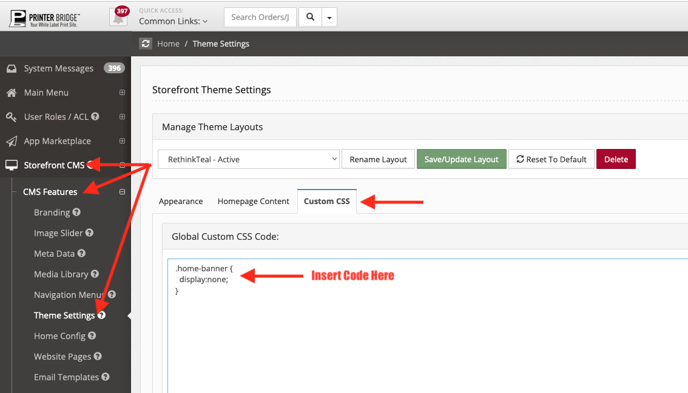
Go to:
Left Nav Bar > Storefront CMS
CMS Features > Theme Settings
Custom CSS > Save
Insert this code into the Custom CSS Section of the Theme Settings:
.home-banner {
display:none;
}