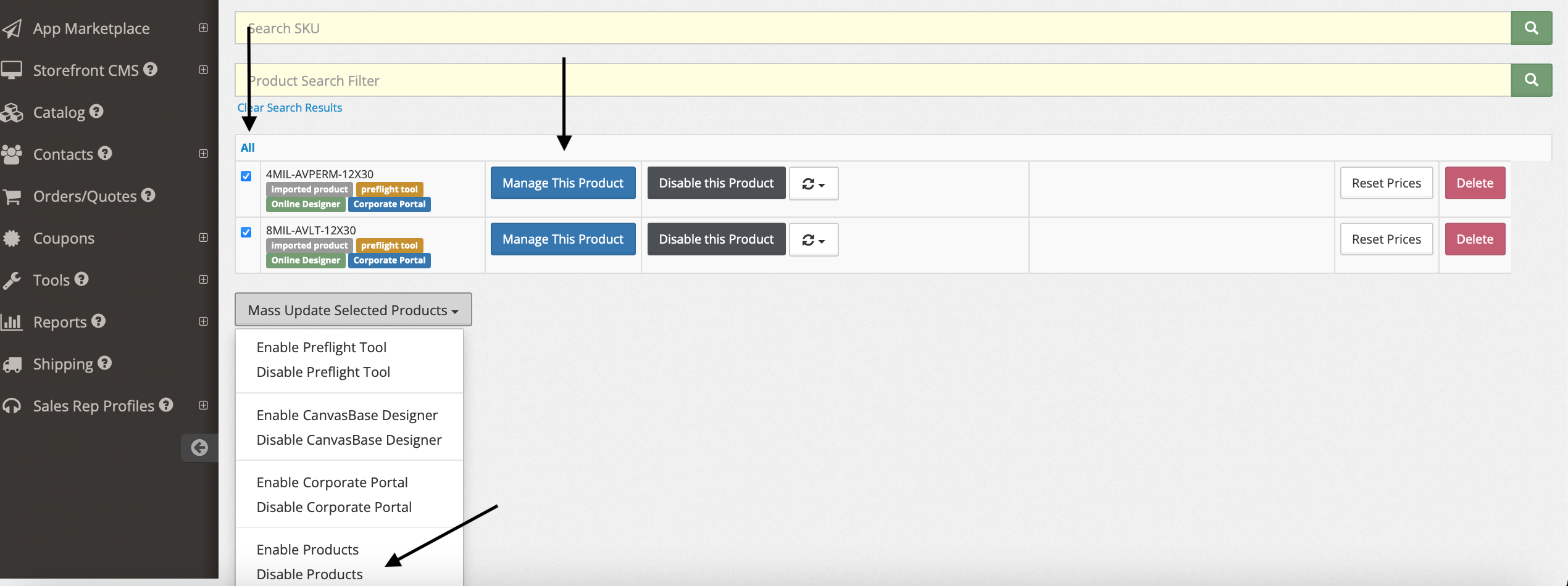
* This will also work for Enabling Categories. Instead, you will see a green Enable This Category or Product button.
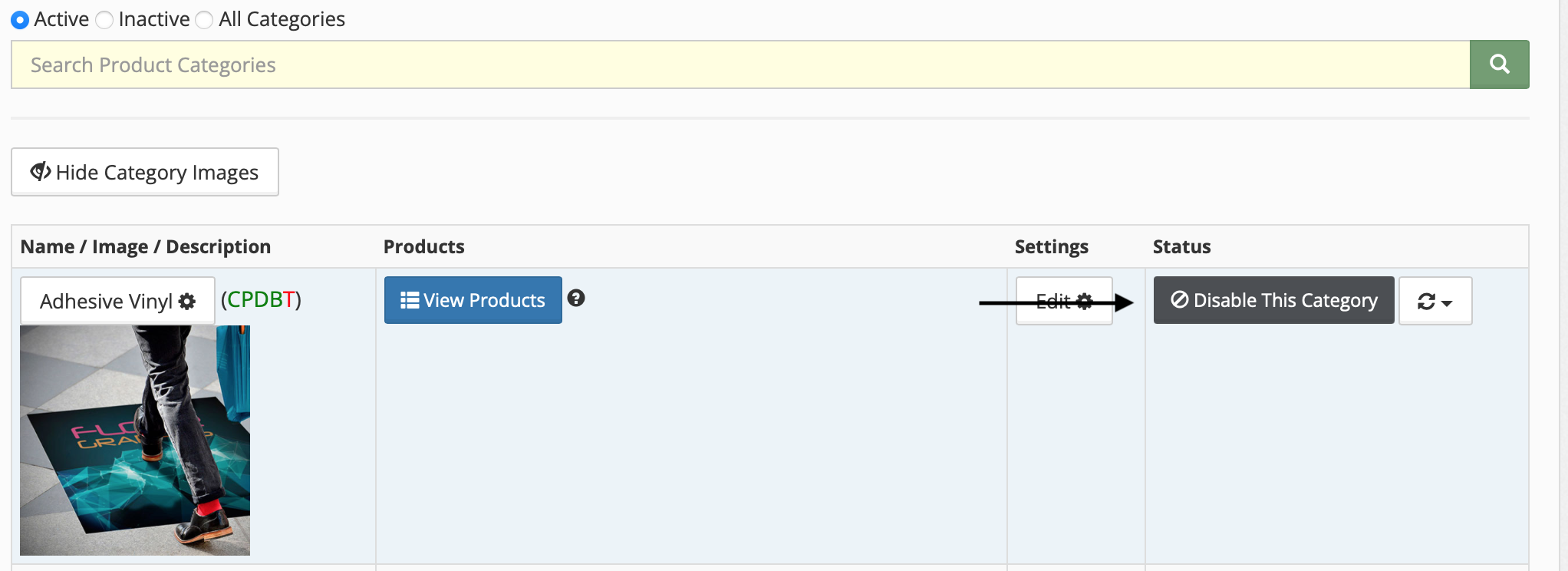
Step-By-Step Guide To Disable Categories:
1. Click Catalog
2. Find the Category you would like to disable
3. Click Disable This Category
Step-By-Step Guide To Disable Products:
1. Click Catalog
2. Find the Product you want to disable within the Category
3. Click View Products
4. Find the product you want to disable, click Disable this Product